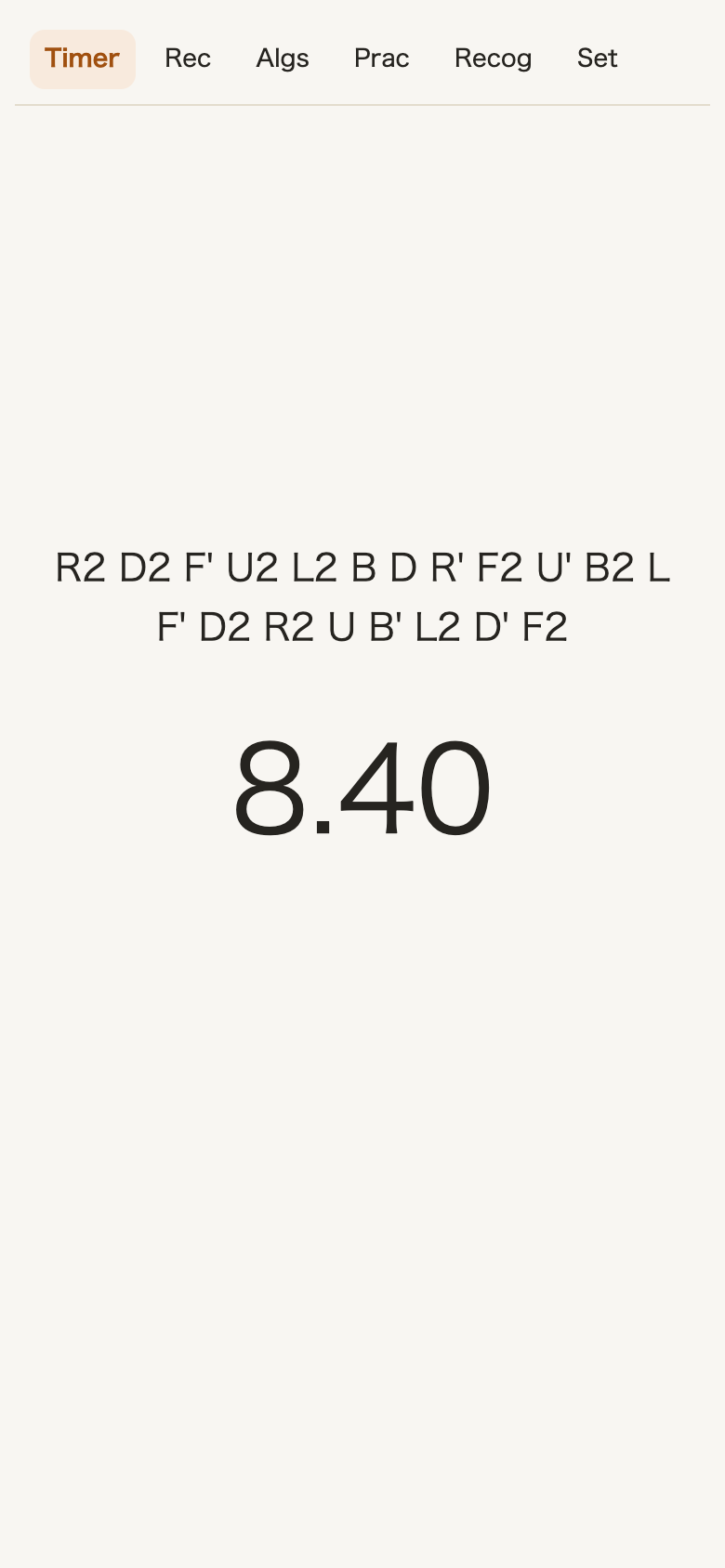
Scramble to timer, all on one screen
When a scramble appears, inspect the cube and start your solve. Add +2 or DNF penalties, choose a male or female voice guide, and practice with WCA scrambles.
Time your solves, find where you lose time, then practice those algorithms and case recognition. Everything for 3×3 practice, together in one app.
Start solving 3×3Free, no account, no ads. Open it and start practicing, no installation needed.
Also available as an app


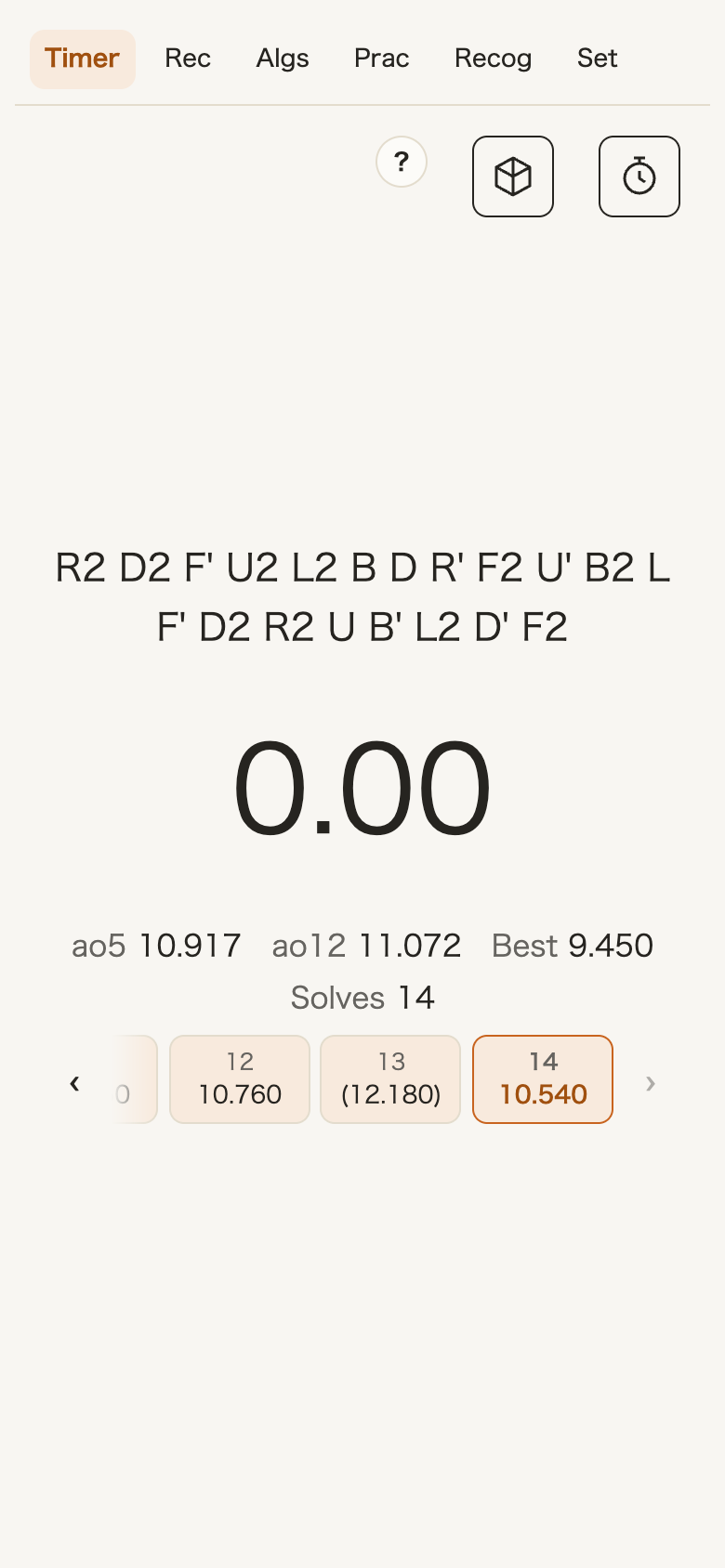
When a scramble appears, inspect the cube and start your solve. Add +2 or DNF penalties, choose a male or female voice guide, and practice with WCA scrambles.
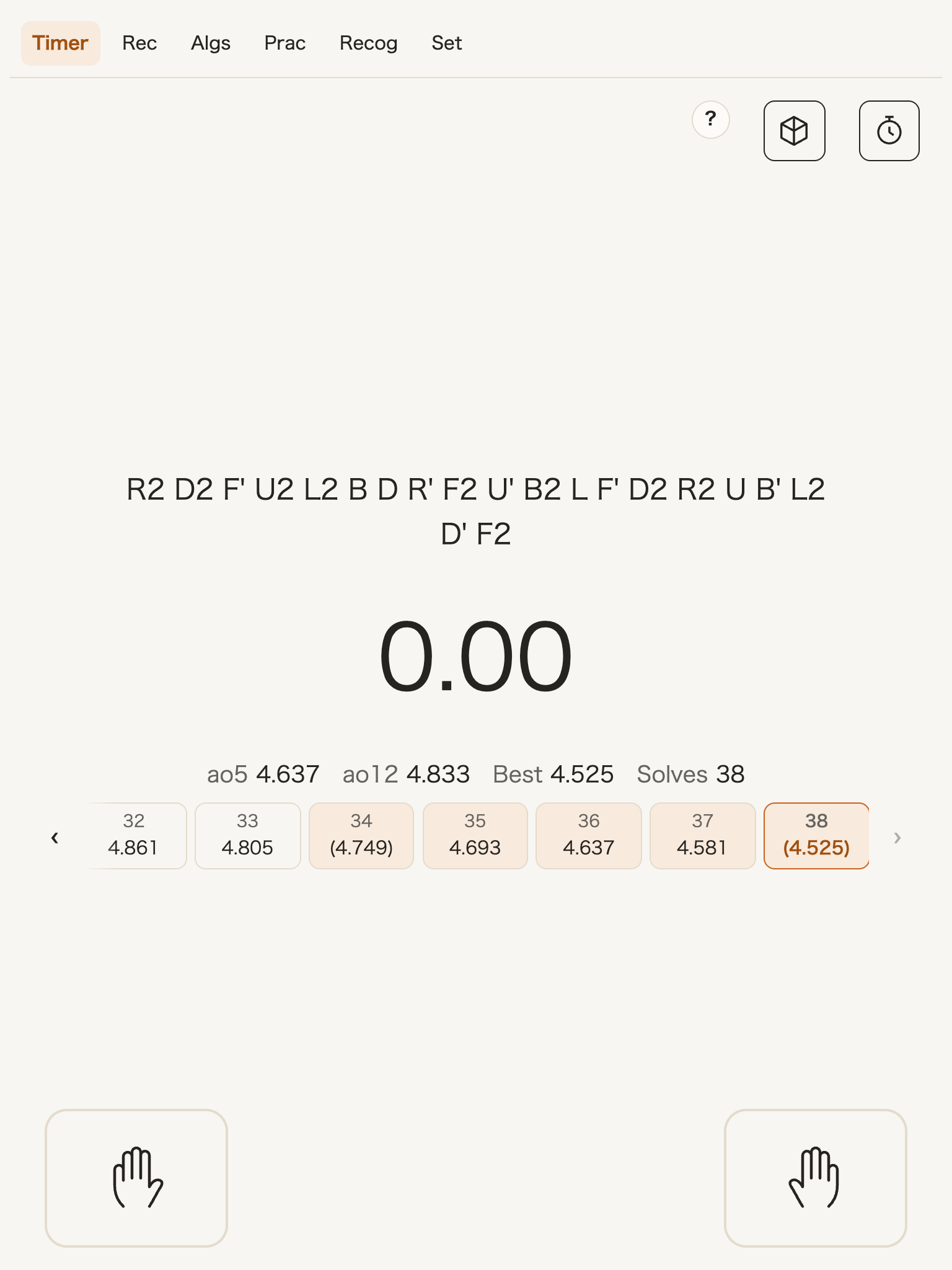
On devices with a larger screen, choose the two-hand method: hold the markers on both sides, then release to start the timer.
Record times directly from a compatible smart timer.
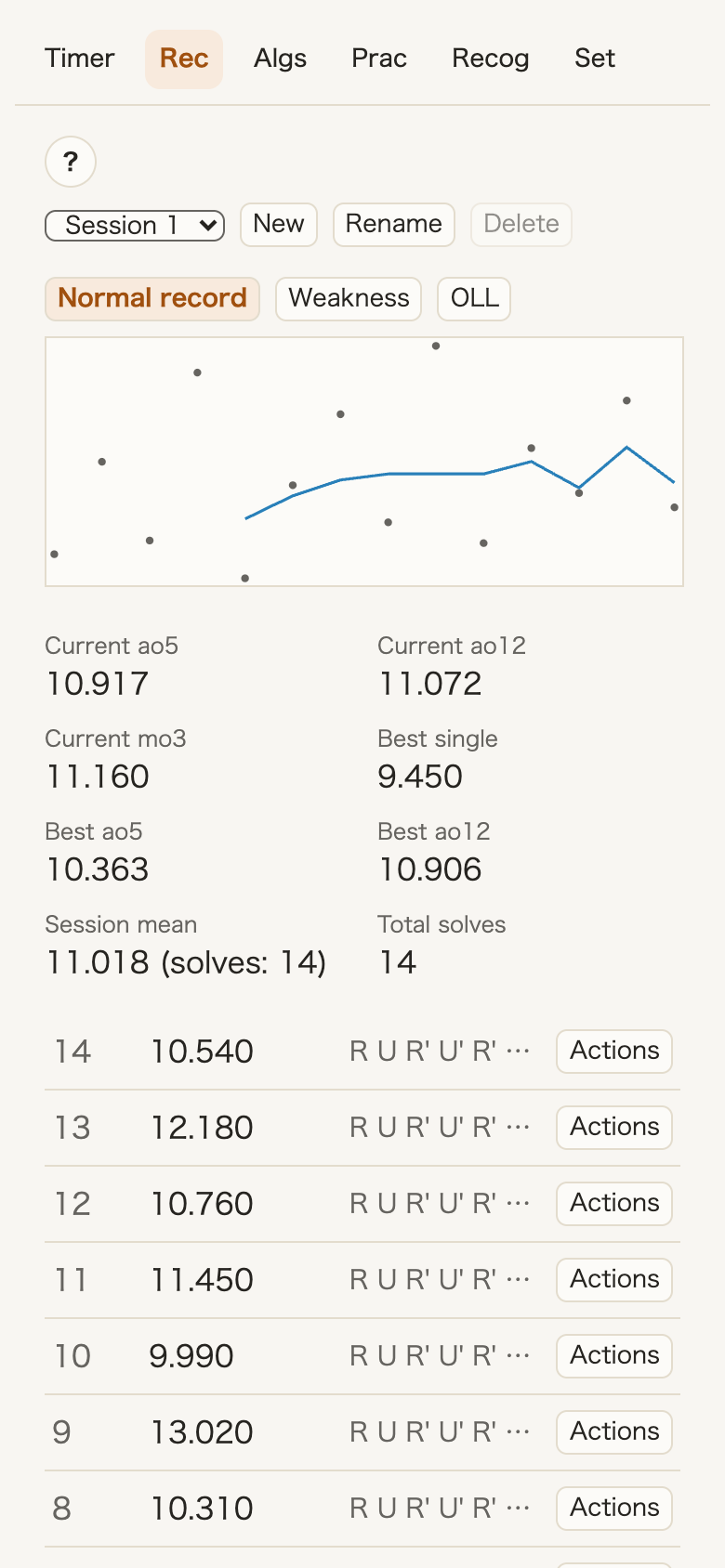
Your ao5, ao12, mo3, best times, and progress charts update after every solve. Organize times into sessions for each practice and add comments to individual solves.
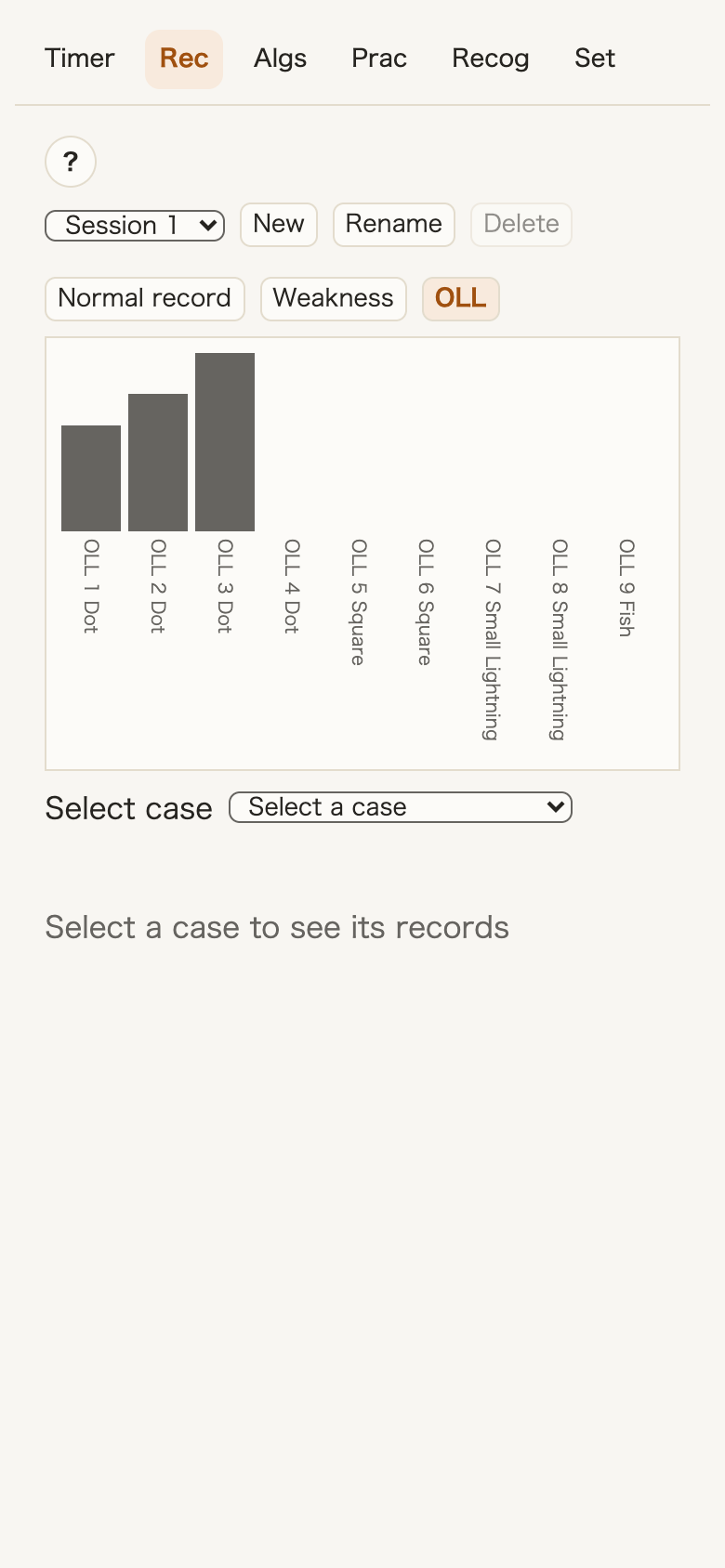
See bar charts comparing your average times for cases such as OLL and PLL.
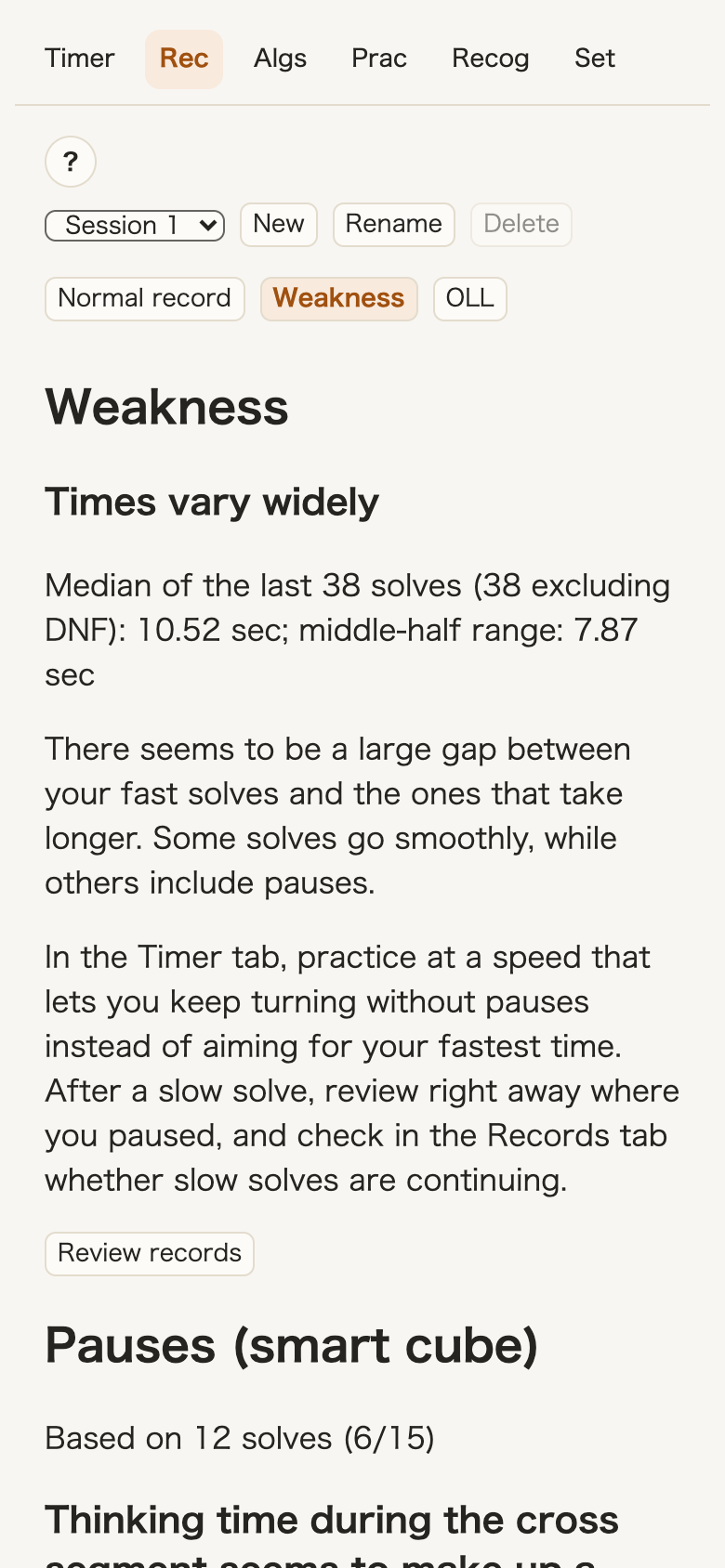
The “Weakness” tab shows what to work on next based on your results so far.
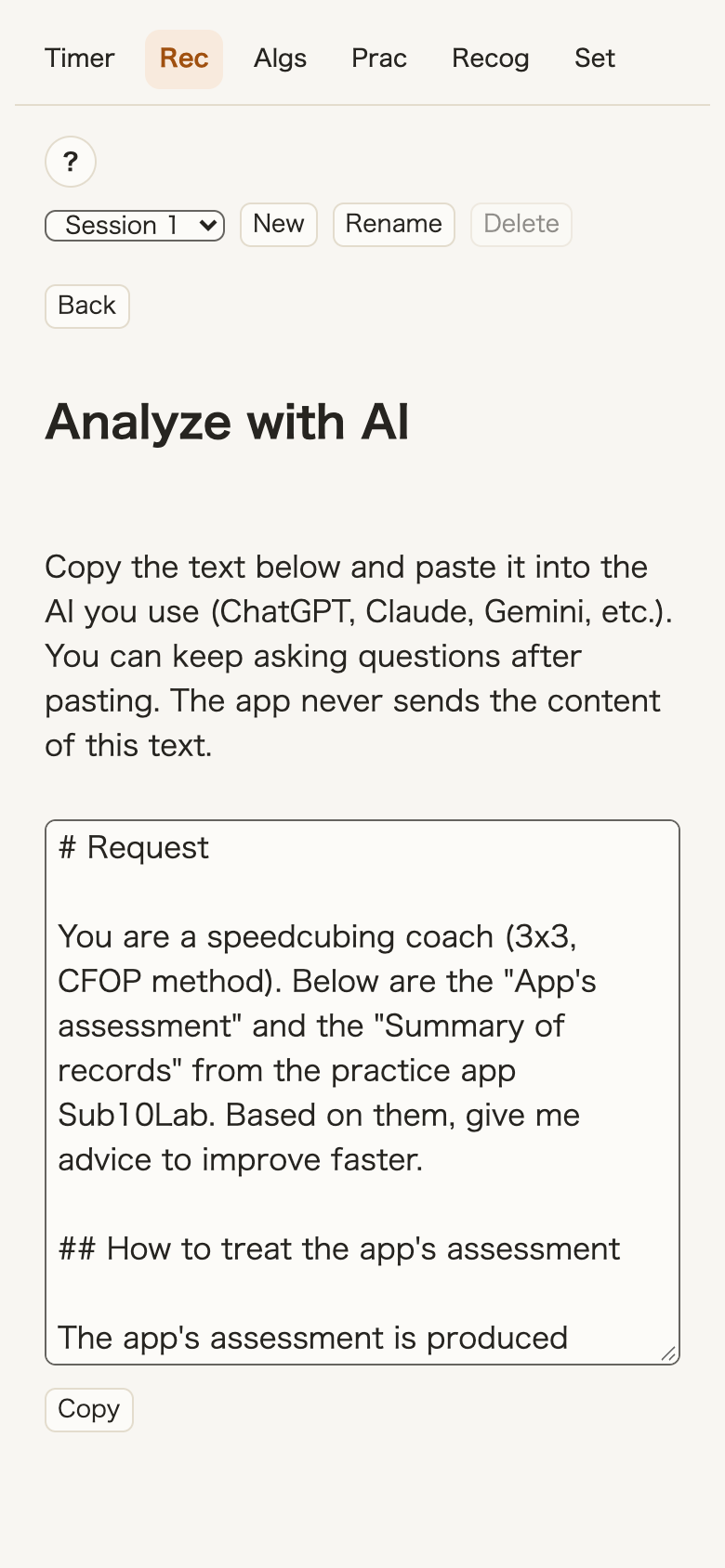
Select “Analyze with AI” to create a summary of your results. Paste it into your AI tool to discuss a weekly practice plan. Only summarized numbers are included.
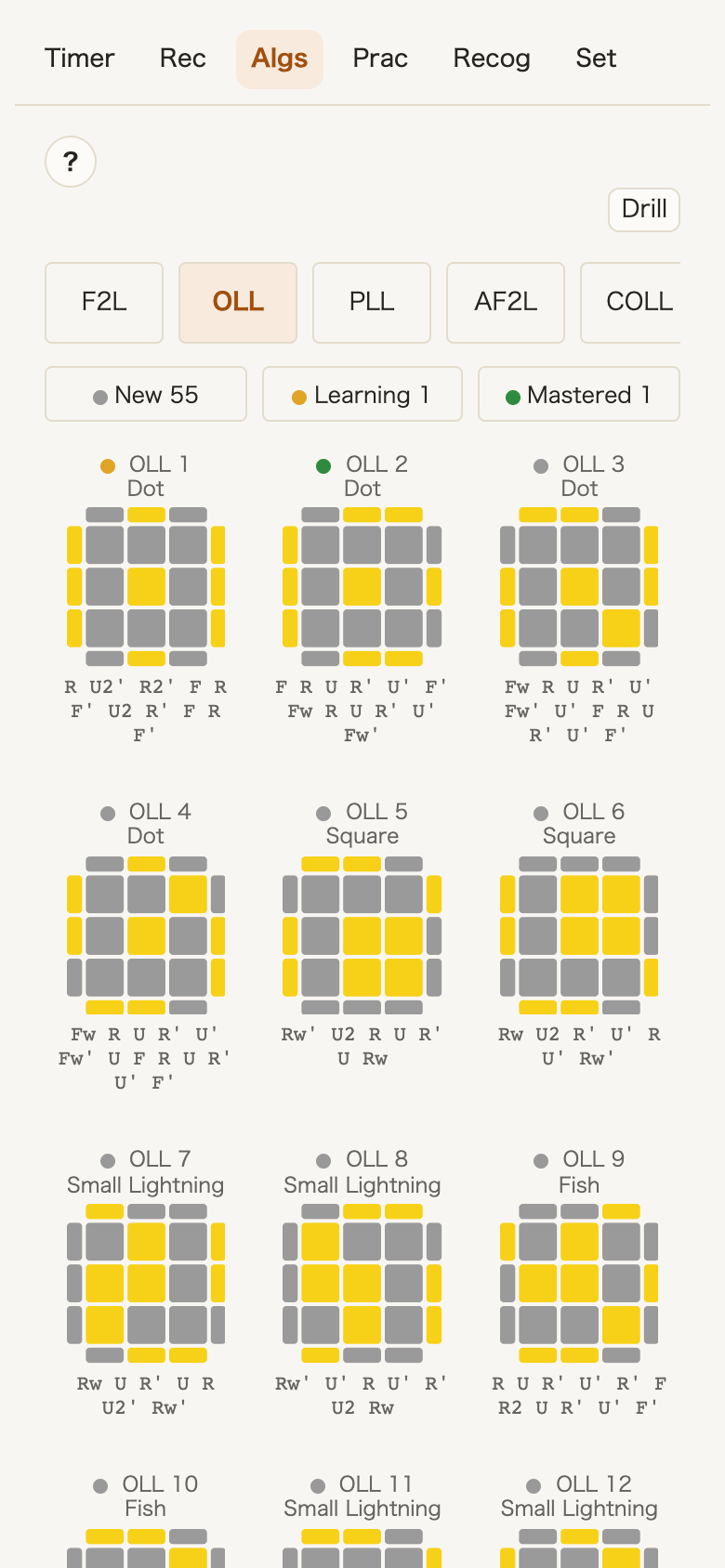
Includes F2L, OLL, PLL, AF2L, COLL, WV, VHLS, VLS, ZBLS, and ZBLL. Each case has multiple options, and you can add your own algorithms with the move buttons.
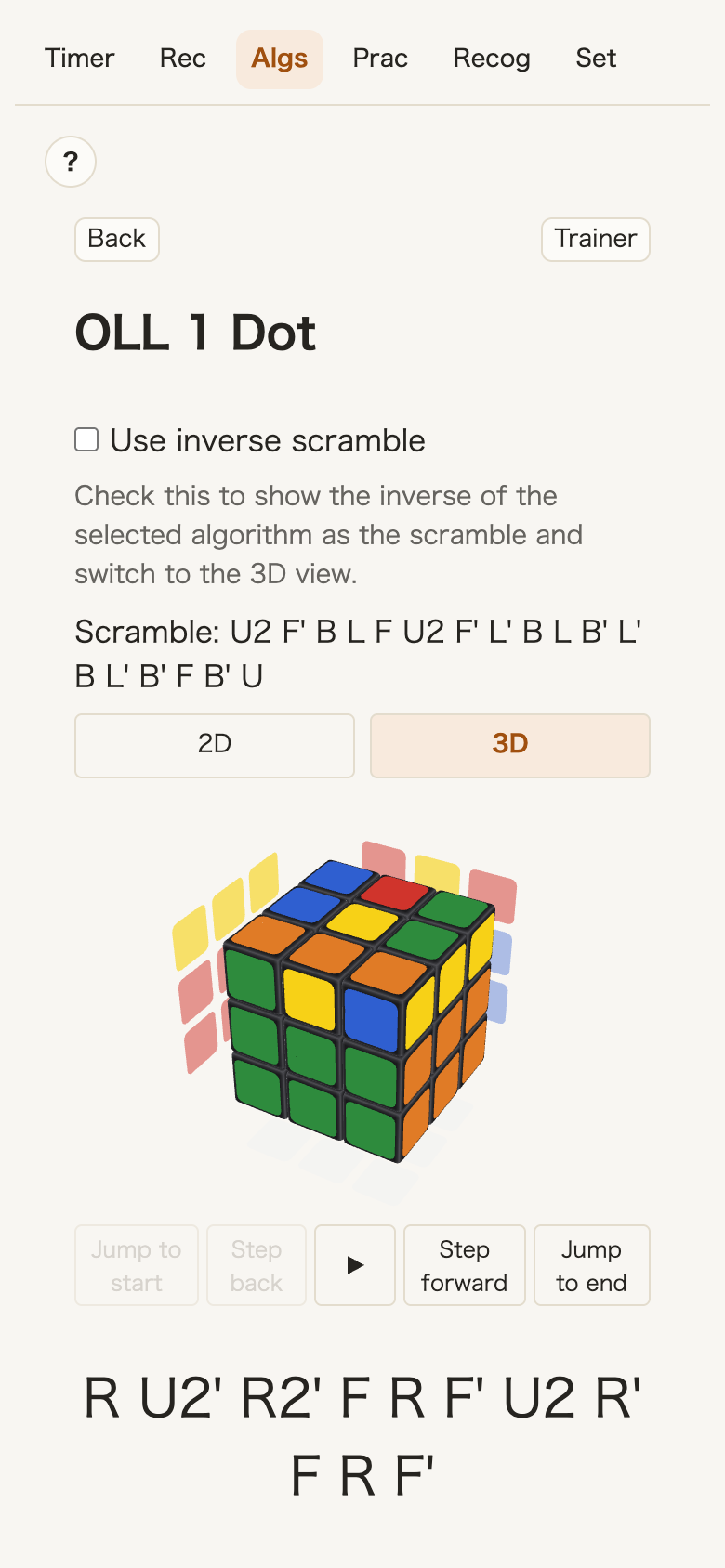
Switch between 2D and 3D diagrams. In 3D, you can play back the algorithm.
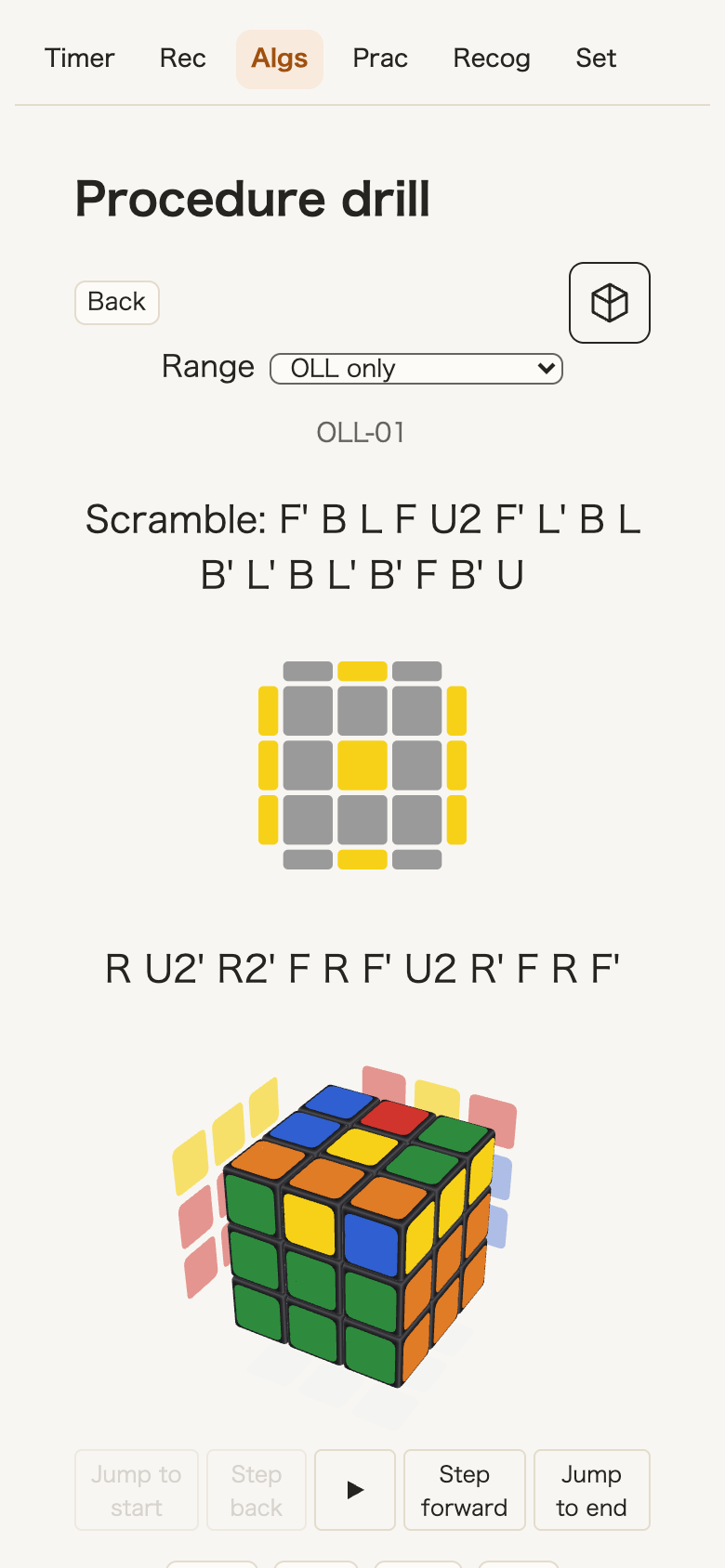
The Drill uses spaced repetition, showing the cases you have not learned more often.
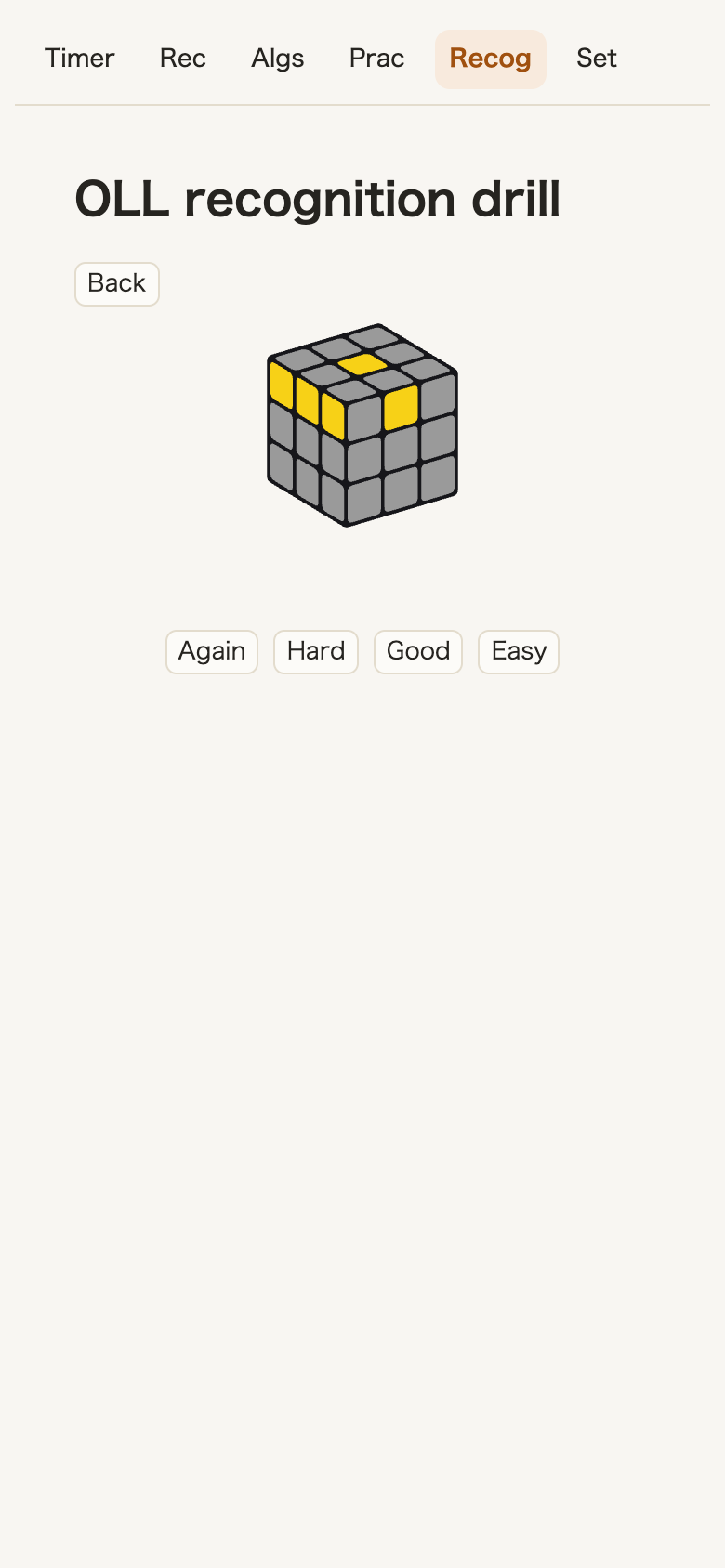
Train case recognition separately from turning speed. Drills use spaced repetition and cover the same 10 groups as the algorithms.
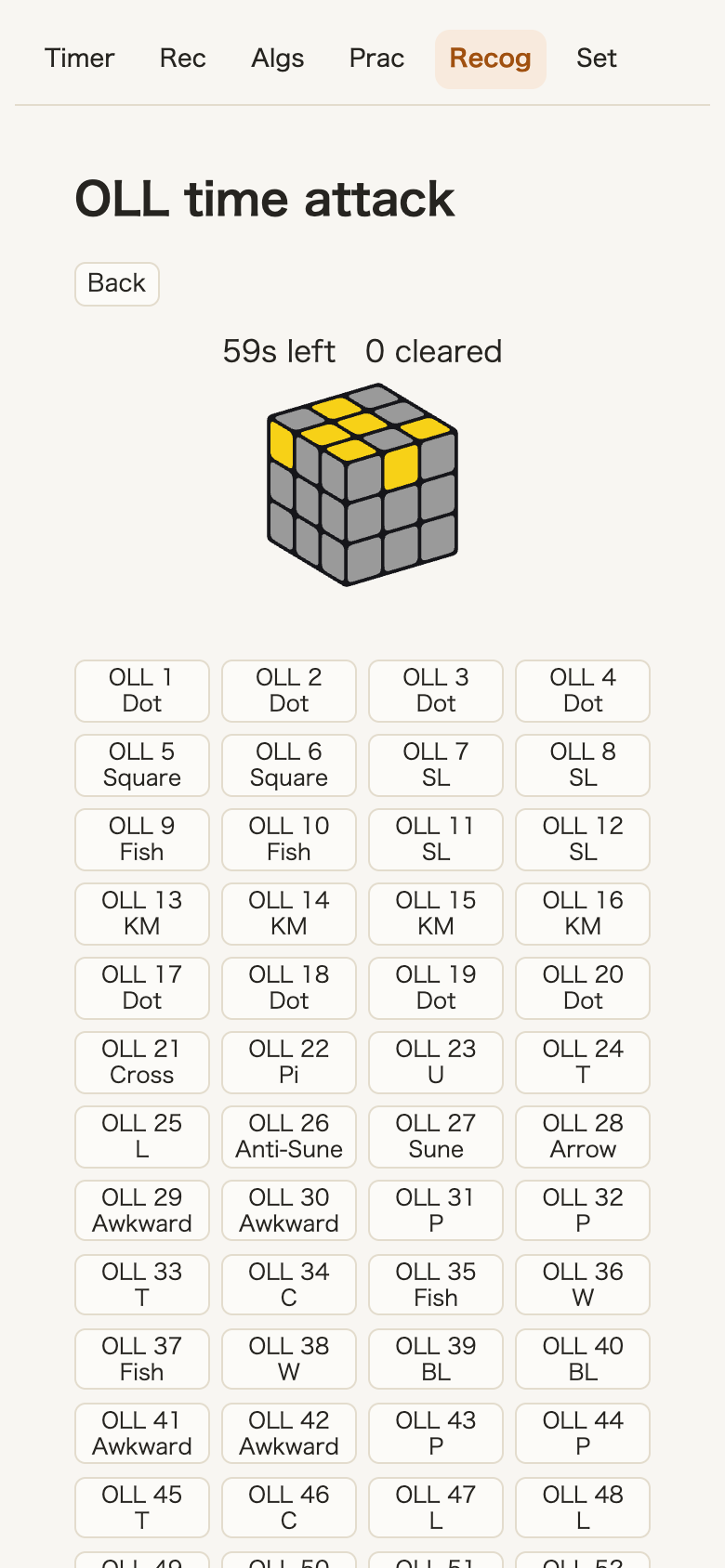
Measure your recognition speed in Time attack mode.
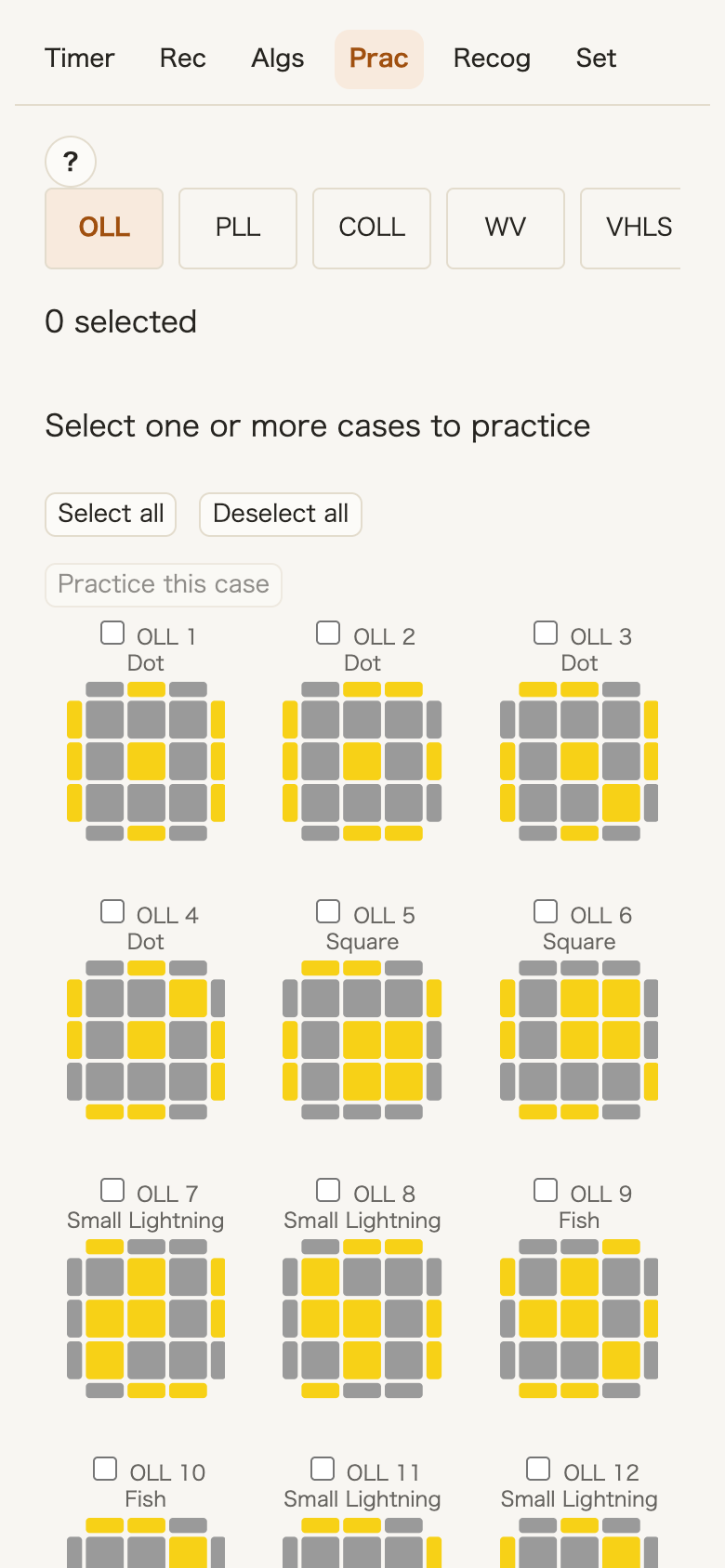
Use the CROSS Trainer, F2L Trainer, and Finger Trainer.
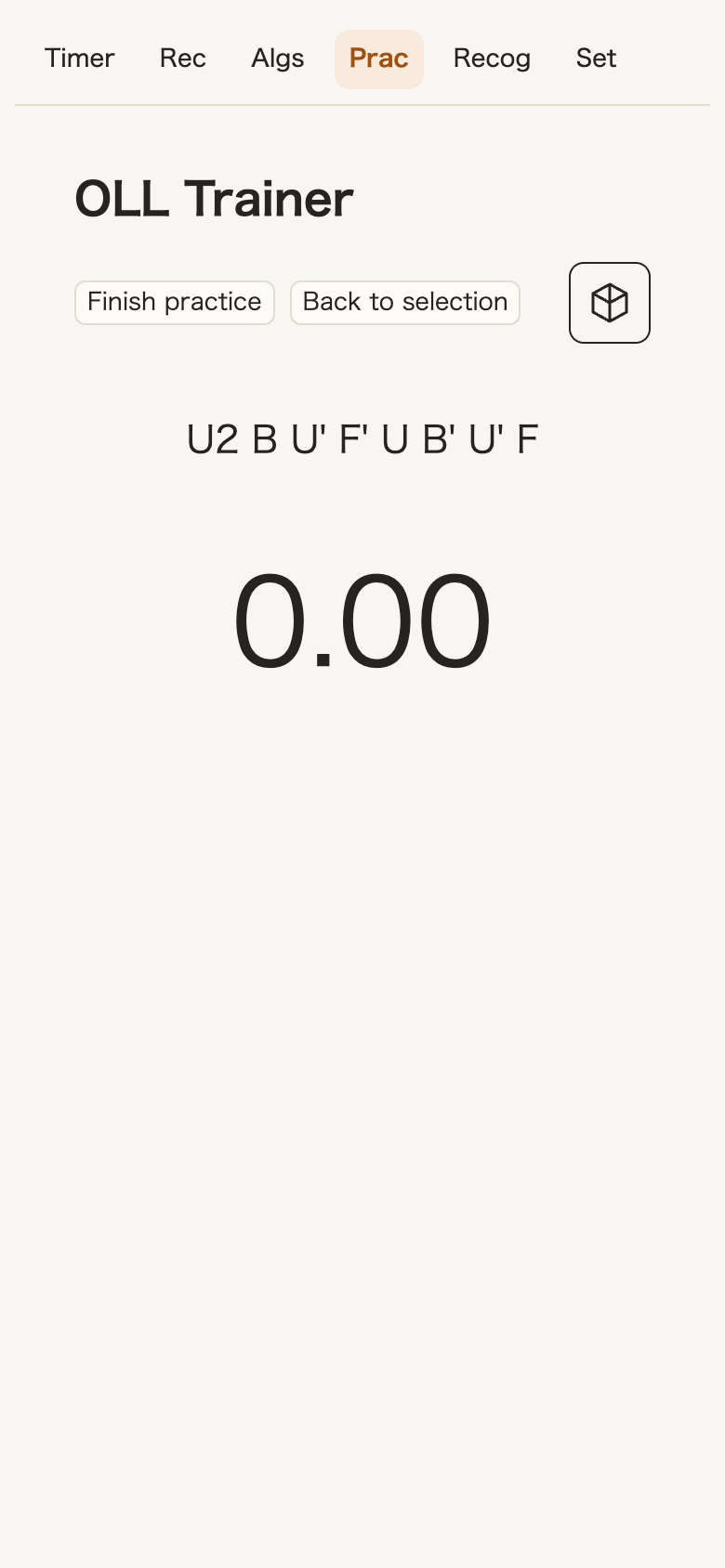
Choose cases to practice from OLL, PLL, COLL, WV, VHLS, VLS, ZBLS, or ZBLL, then time them repeatedly.
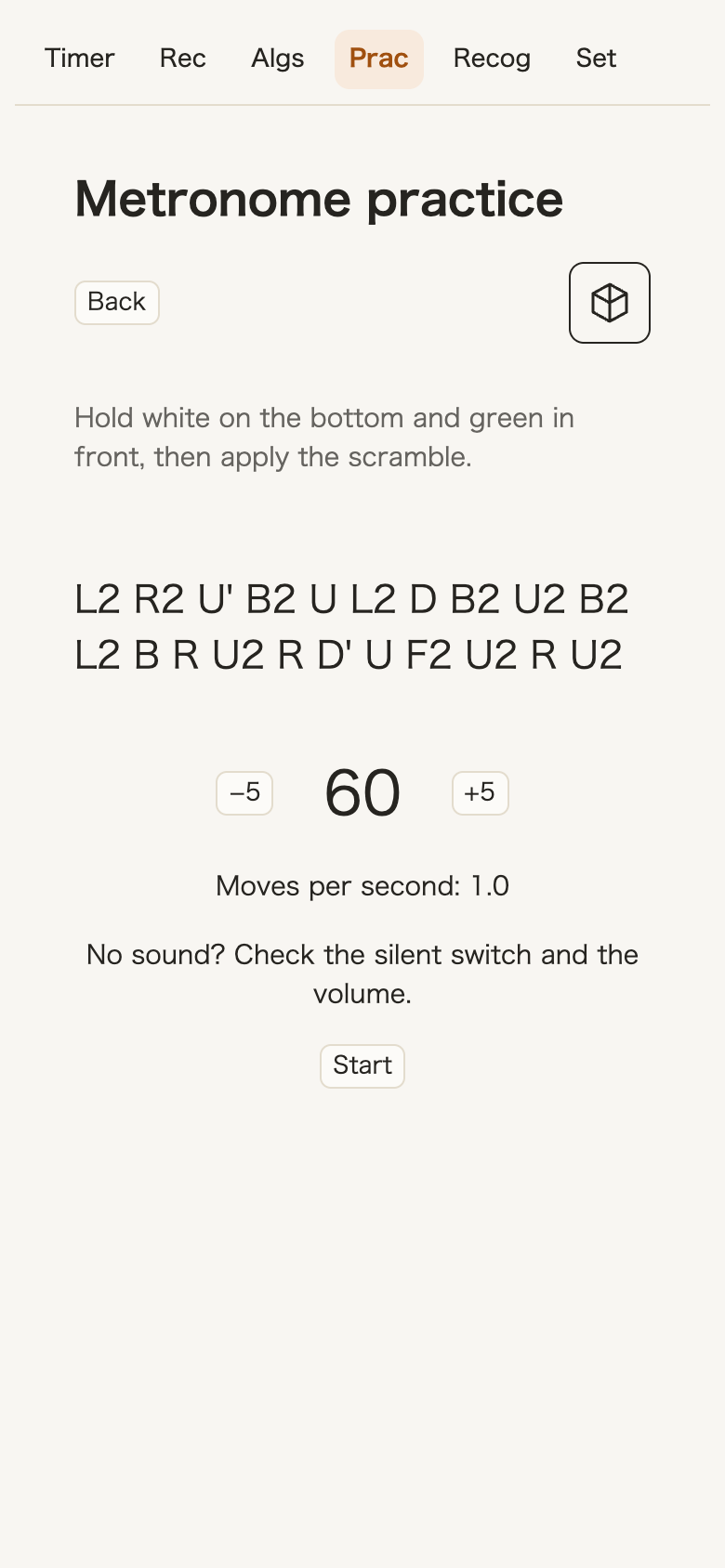
The F2L Trainer metronome helps you practice one move per beat. Choose a tempo from 30 to 240 and build the habit of looking for the next pair without pausing.
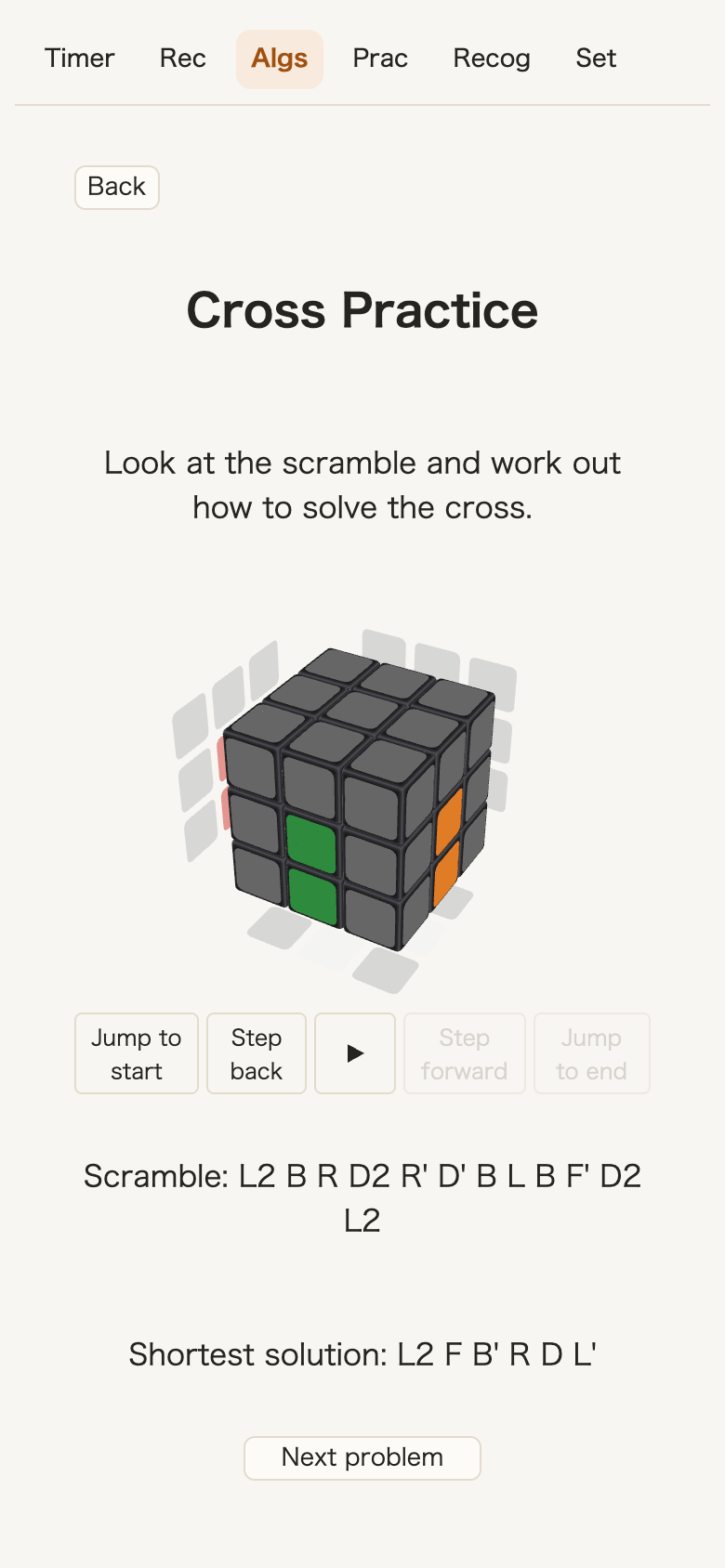
In CROSS learning, think through the solution before opening the hint to see the shortest solution replayed in 3D.
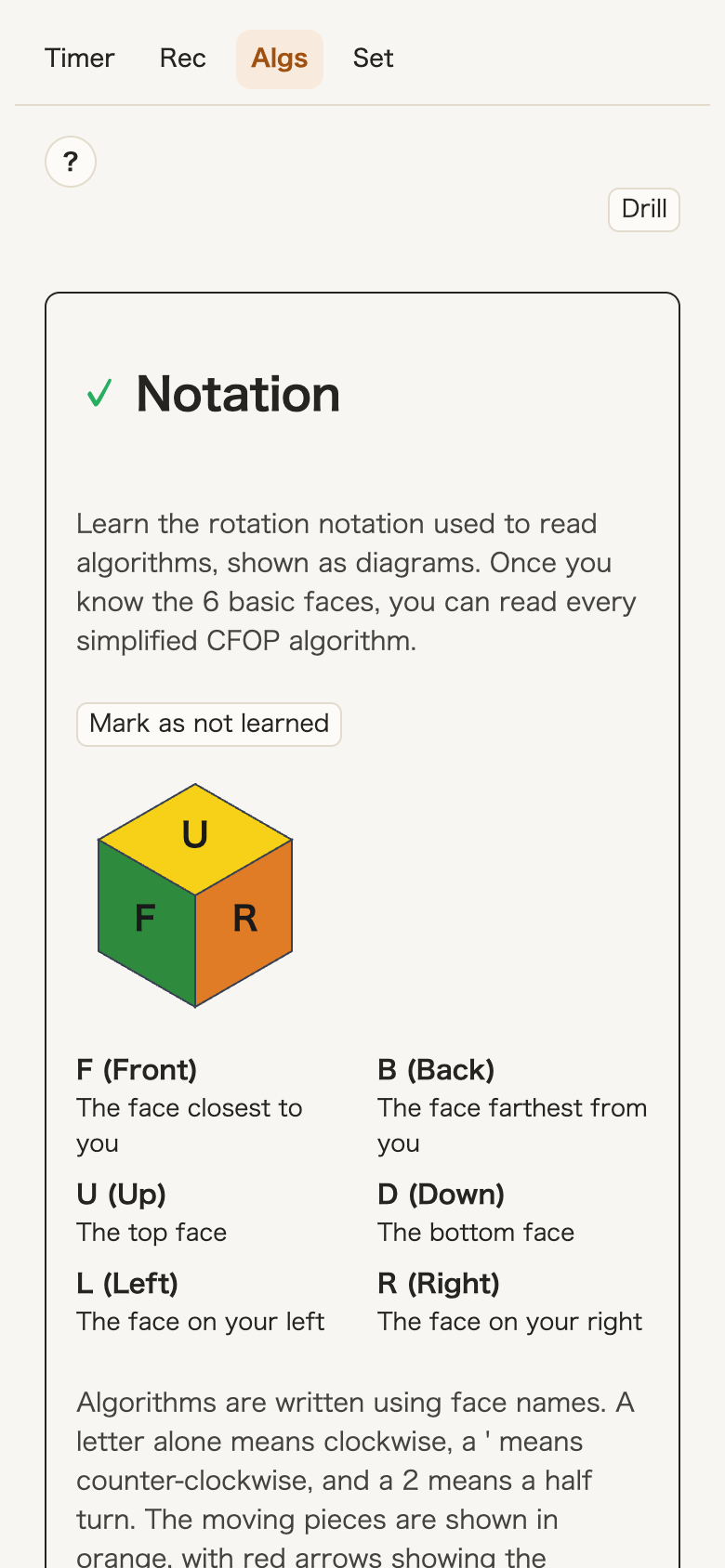
The Simplified CFOP mode starts with move notation, then covers the cross, F2L corners, F2L edges, 2-Look OLL, and 2-Look PLL in order.
These features need a smart cube. All other features work with a regular cube.
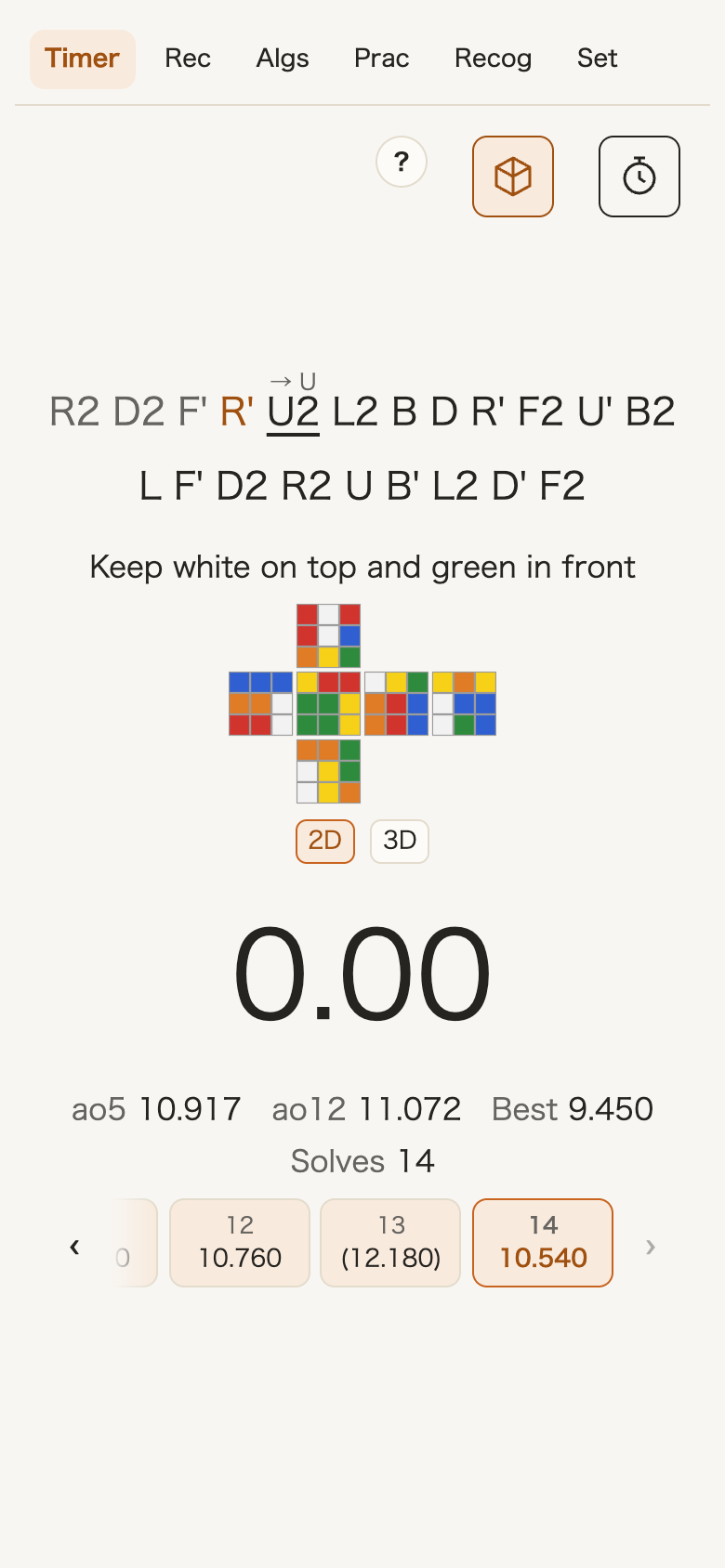
Track your cross, F2L, OLL, and PLL segments. Follow scramble progress on screen and spot a wrong turn right away.
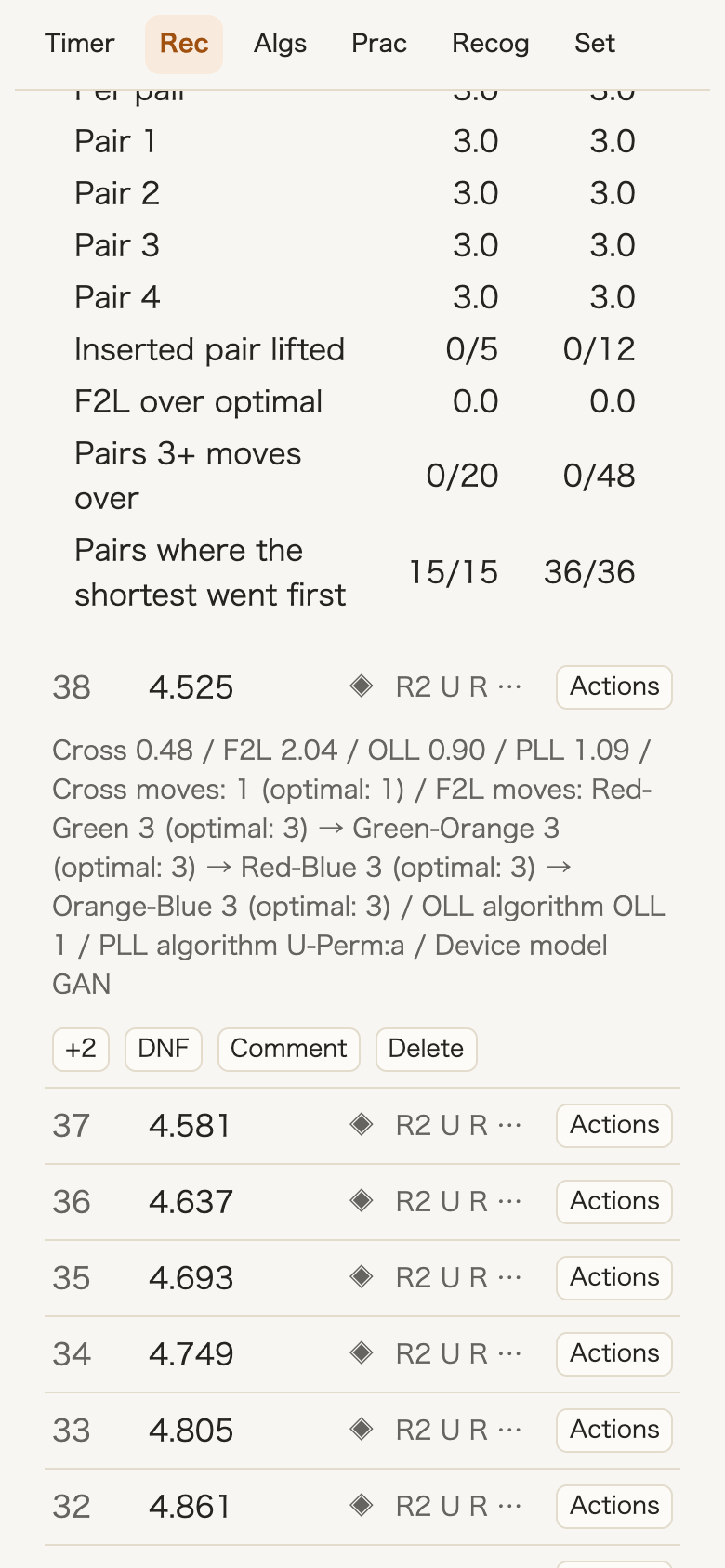
Review how your cross compares with the shortest solution, the order you inserted F2L pairs, and your OLL and PLL algorithms for each solve. The “Habits (smart cube records)” table also summarizes pauses between moves.
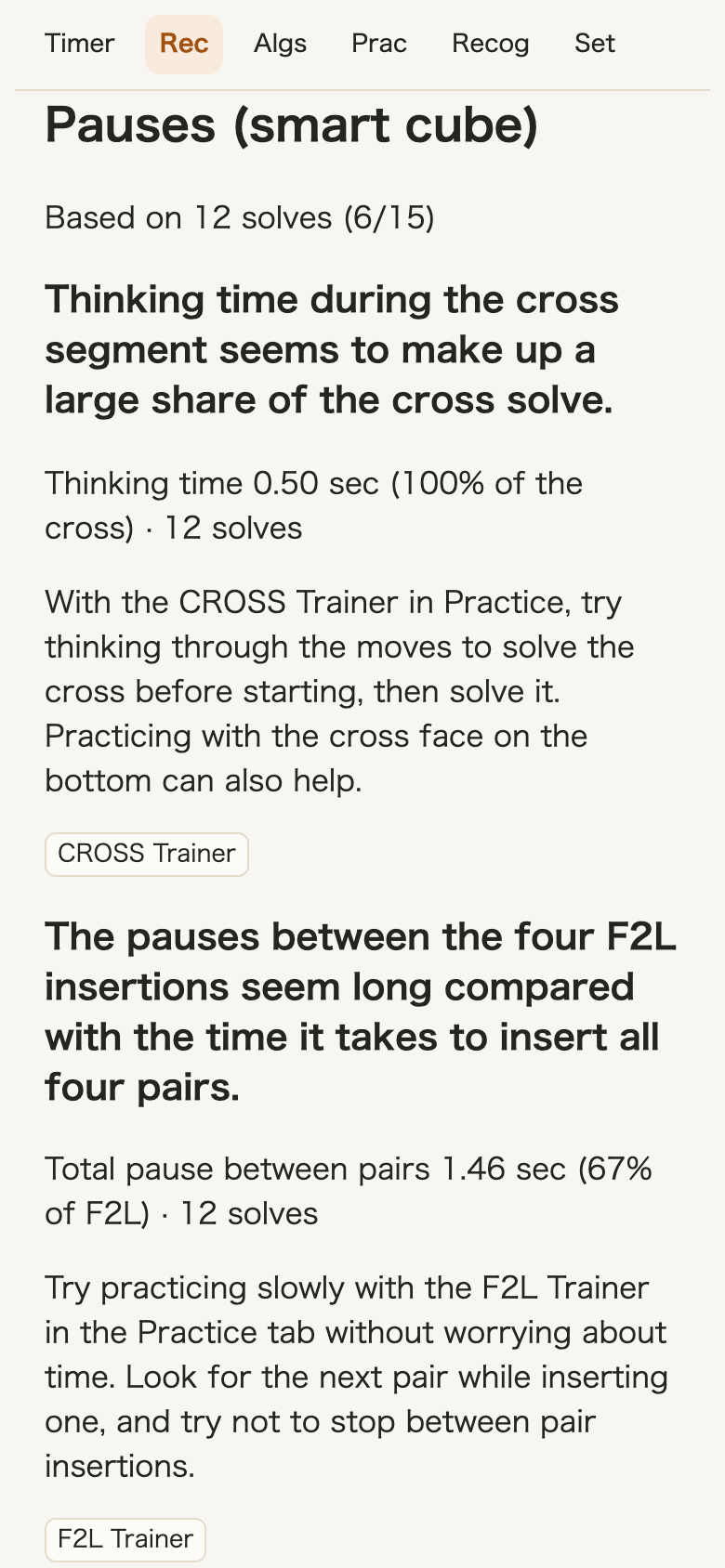
After 12 solves, see where you pause during a solve, along with the supporting numbers. Start a recommended practice from its button.
Compare times for algorithms used on the same case, based on your smart cube solves.
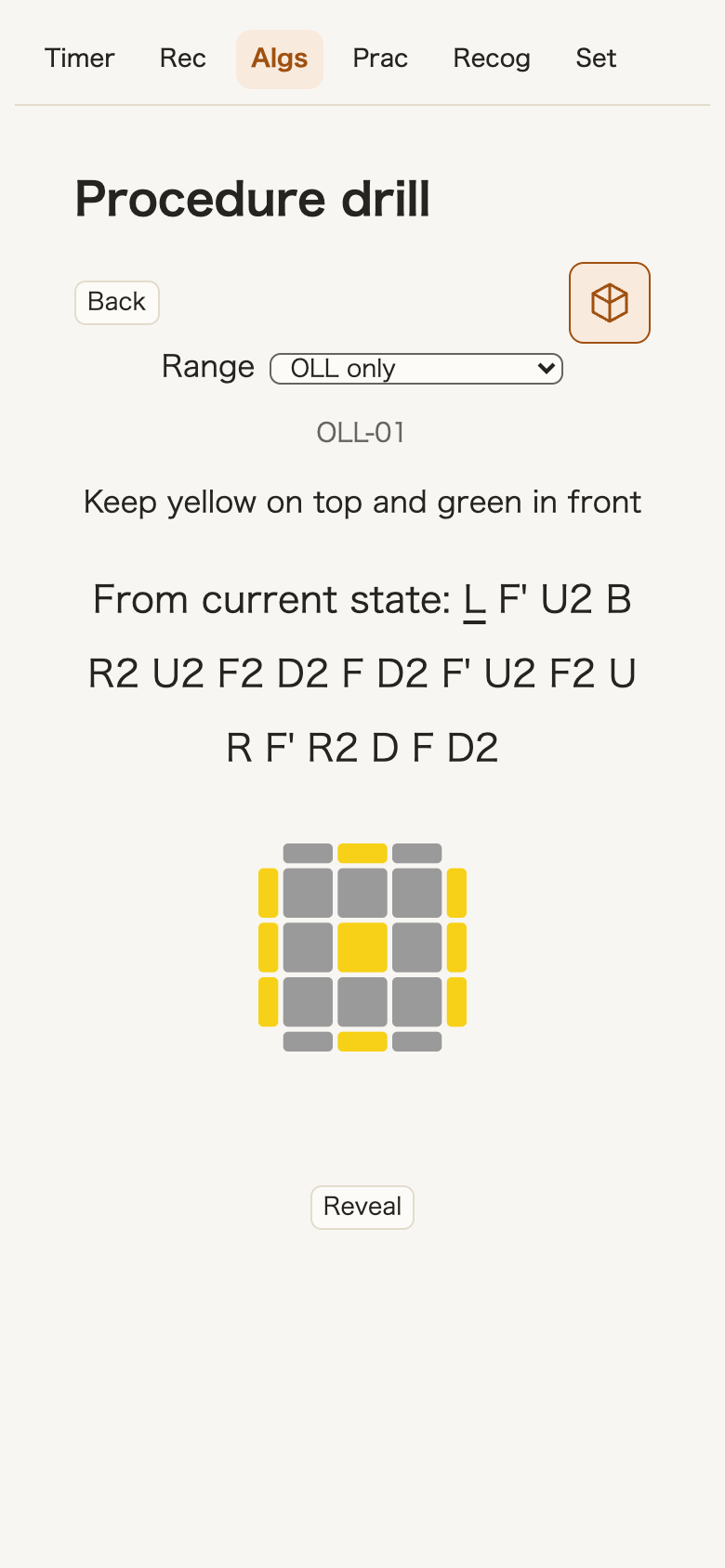
The Drill uses the cube's moves to check whether you solved the case.
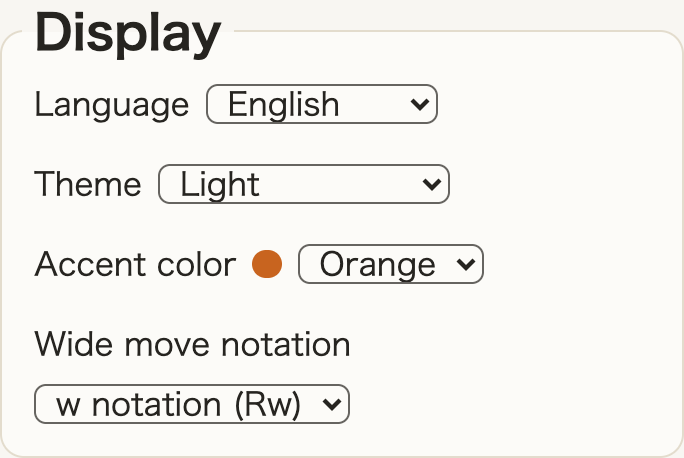
Use the app in Japanese, English, Spanish, French, Portuguese, Simplified Chinese, or Traditional Chinese. Change the theme, accent color, and wide move notation.
Add it to your home screen or PC desktop to open it like an app.
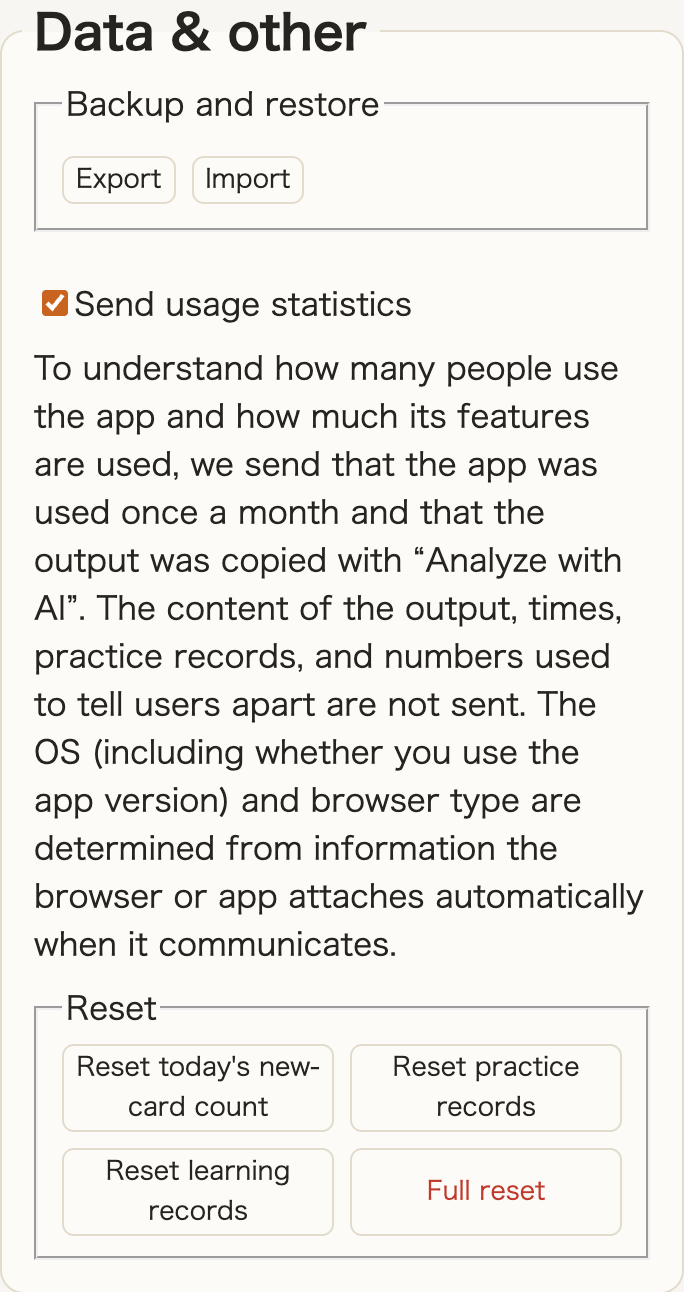
Your times stay in the browser on your device. Solve times and practice records are never sent to a server. Only information about the number of users and how features are used is sent to help us understand app usage; you can turn this off in settings.
Clearing browser data also deletes your records. In browsers on iPhone and iPad, and in Safari on Mac, records may be deleted if you do not open the app for 7 days. Export them in settings to keep a copy.
Also available as an app: App Store · Google Play
Start solving 3×3